


What visuals will the best presenters be using in 2027?
Here’s what we’re watching:
1. Minimalism as Relief, Not Aesthetic
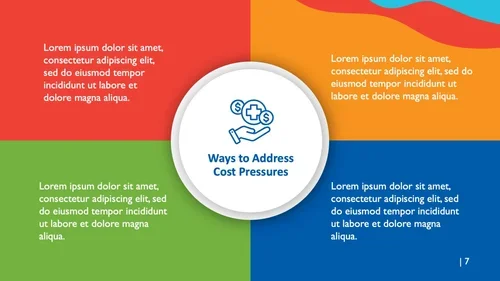
The world's visual noise isn't slowing down, and slides that add to it are losing. Clean layouts, generous white space, and restraint aren't a style choice anymore — they're a competitive one.
Bold typography, limited palettes.
Readability over decoration.
Three or four points per slide, no more.
2. Data, Shown — Not Explained
A chart earns its place by making a point instantly. Text asks the audience to work for the takeaway; a well-built graphic hands it to them. If a number needs a paragraph to explain what it means, it's not ready for the slide yet.
3. Motion, Used Sparingly
Subtle animation and short video can carry a slide further than static text — but only when it's earned. Reserve the dramatic move for the moment that deserves it; overused motion reads as noise, not energy.
4. A Narrative, Not Just a Structure
Facts persuade. Stories stick. Opening with a story — a real one, specific and short — does more to hold a room than any bullet list that follows it.
5. Typography That Signals Hierarchy
Modern, bold, legible type isn't decoration — it's a map. The right typeface tells the audience what matters most before they've read a word of it.
6. Original Visuals Over Stock
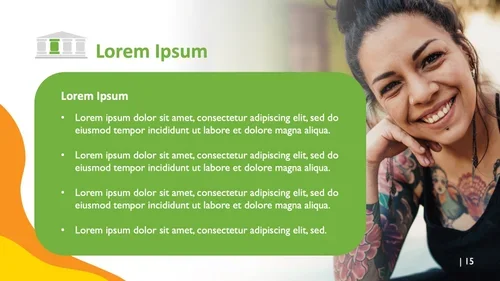
Custom illustration and photos are the stars here—stock photography reads as filler. Still, stock libraries will have to be used for some presentations, just due to time and budget. Do your best to find images that align with your brand and feel less posed.
7. Cautious Use of AI-Assisted Visuals
It’s so easy to go down the wrong road with this, so make sure that however you’re using AI for images aligns with your brand and follows good design standards.
9. Lead With Why It Matters
Numbers persuade the analytical mind. Meaning persuades the rest of it. Translate the fact into its consequence for the person in front of you, and you've done more than inform them — you've given them a reason to care.
10. Cut What the Audience Can't Use
Every presenter has sat through the slide with a raw spreadsheet on it — "and you can see here that..." — while the room quietly gives up trying to find the point. If a slide requires narration to be legible, it isn't ready yet. Simplify until the point survives on its own.

Client-supplied illustrations